Get the exercises material on your computer
Fetch the exercises material
You have two options to fetch this material:
A. You know version control with Git and GitHub
Fork and clone the exercises repository associated with this tutorial: https://github.com/lmu-osc/Introduction-Simulations-in-R-exercices (here is a reminder on how to do this).
B. You do not know version control
Download the exercises repository associated with this tutorial: https://github.com/lmu-osc/Introduction-Simulations-in-R-exercices.
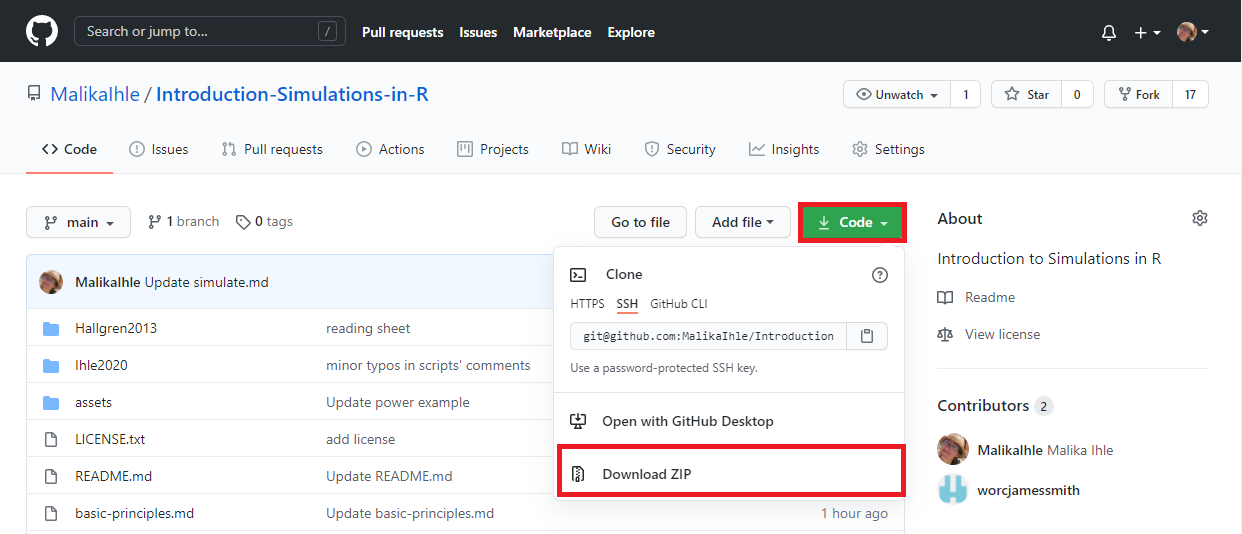
Once the .zip file downloaded, extract it and place the folder in the desired directory (e.g. Documents).
Open the RStudio project
If you do not have R or RStudio installed, please follow these instructions first.
Find the downloaded (and extracted) folder and double click on the .Rproj file.
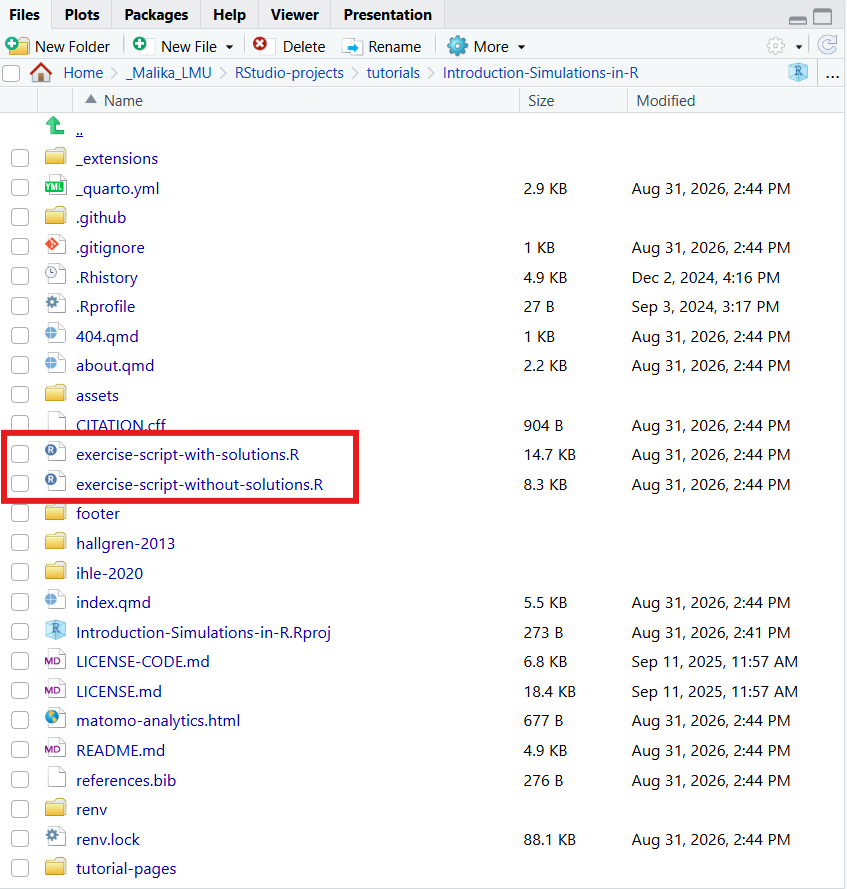
In the panel containing the ‘Files’ tab, find the exercise sheet of your choice (with or without solutions) and open it by clicking on it.