08/03/2026
This work was originally created by Pat Callahan and Dejana Damjanovic under a CC-BY-SA 4.0 Creative Commons Attribution 4.0 International License and a CC0 1.0 Creative Commons Universal licence for code snippets. It was subsequently adapted and revised by Sarah von Grebmer zu Wolfsthurn. This current work by Tejaswini Sharma and Sarah von Grebmer zu Wolfsthurn is licensed under a CC-BY-SA 4.0 Creative Commons Attribution 4.0 International SA License. permits unrestricted re-use, distribution, and reproduction in any medium, provided the original work is properly cited. If you remix, transform, or build upon the material, you must distribute your contributions under the same license as the original. Code snippets are dedicated to the public domain and licenced under a CC0 1.0 Creative Commons Universal Licence. You may use, modify, distribute, and sell the code snippets for any purpose, without permission or attribution. The code snippets are provided “as is”, without warranty of any kind.
Creator: Sharma, Tejaswini (
0000-0002-6413-3895)
Reviewer: Von Grebmer zu Wolfsthurn, Sarah (
0000-0002-6413-3895)
Important
Before completing this submodule, please carefully read the following prerequisites.
| Prerequisite | Description | Link/Where to find it |
|---|---|---|
| Zotero and Zotero Connector | Citation tool and extension | Download Link |
| R | Version 4.5. or higher | Download Link |
| RStudio | Version 2026.01.1+403 or higher | Download Link |

What is your level of familiarity with citing and referencing scientific papers?
I have never heard of it before.
I have heard of it but have never worked with it.
I have basic understanding and experience with it.
I am very familiar and have worked with it extensively.
How confident do you feel with the Zotero workflow of collection, organisation, and citing? (1 = Not confident at all, 5 = Very confident)
1
2
3
4
5
What do we see in the results?
Previously:
Up next:
A small thought experiment..
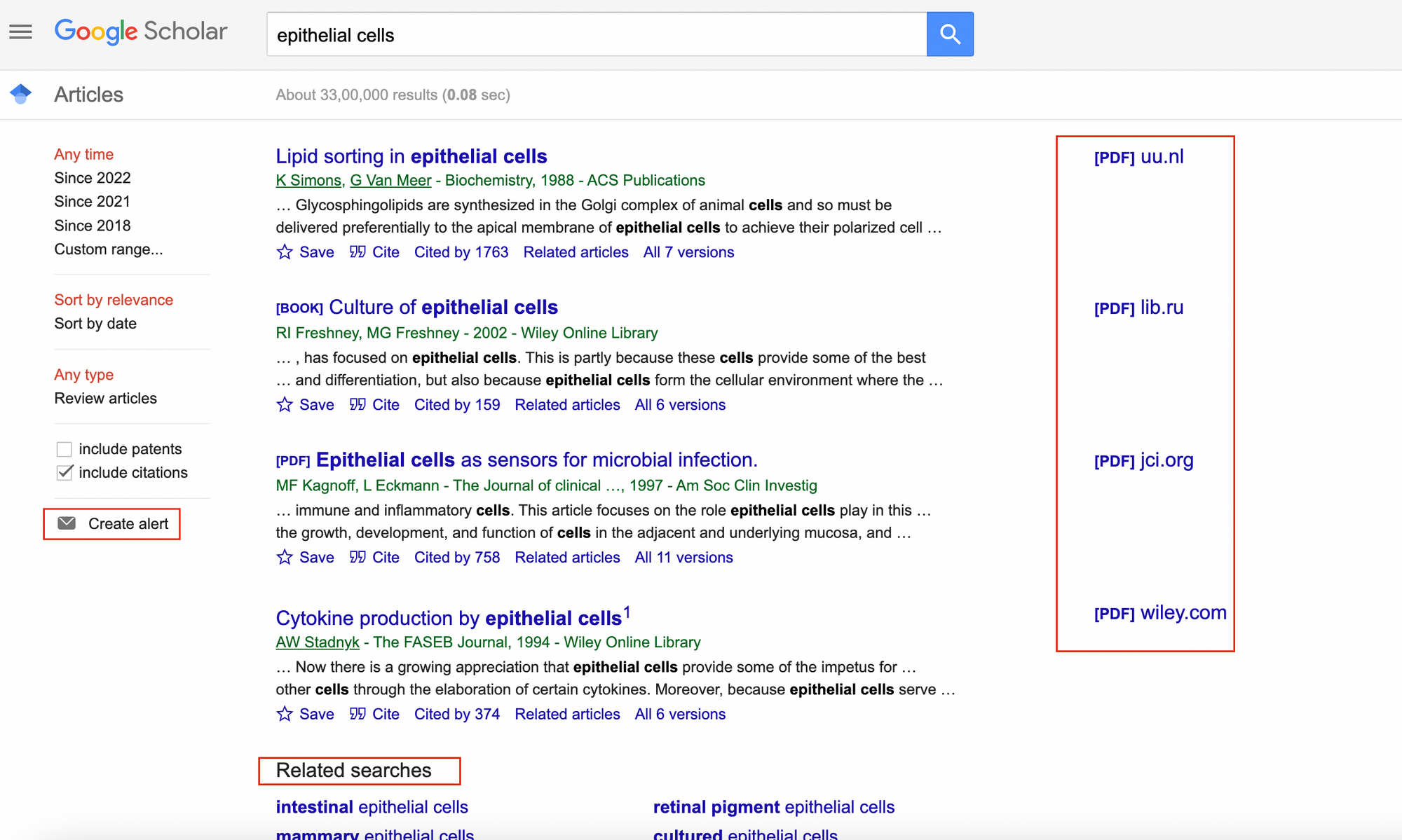
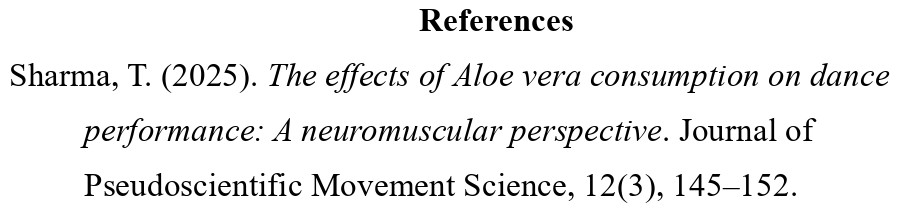
Imagine reading various scientific papers to collect knowledge (= reviewing the literature). When you share this knowledge with someone, they would ask: “Where did you read this?”
Thus, you need to cite the source of your knowledge; in this case, a scientific paper.
From Aksnes et al. (2019):
Show what comes from others: References show which ideas and words are yours and which are taken from other people, so you do not steal their work and they get credit.
Back up what you say: References point to earlier studies that support your claims, so readers can see where your ideas fit and how trustworthy they are.
Let others double-check you: Clear citations help others follow your steps, spot mistakes or misquotes, and use your work to do new studies.
Connect ideas and track influence: Citations link papers into a big web of knowledge and are often used (not perfectly) to see which work has had a big impact.
For example: “Recent results support this view (Miller & Rossi, 2021).”
Note
The exact formatting depends on the citation format.
| Style | Typical fields/usage | In‑text example | Reference list example (journal article) |
|---|---|---|---|
| APA | Social sciences (e.g., psychology, education) | (Smith & Lee, 2023) | Smith, J., & Lee, K. (2023). Title of the article. Journal Name, 12(3), 123–145. https://doi.org/xx.xxx/yyyy |
| MLA | Humanities (e.g., literature, languages) | (Smith and Lee 123) | Smith, John, and Karen Lee. “Title of the Article.” Journal Name, vol. 12, no. 3, 2023, pp. 123–145. |
| Chicago (Notes-Biblio) | Humanities (e.g., history, arts (footnotes/endnotes) | ¹ or (see note 1) | Smith, John, and Karen Lee. “Title of the Article.” Journal Name 12, no. 3 (2023): 123–145. |
| Style | Typical fields/usage | In‑text example | Reference list example (journal article) |
|---|---|---|---|
| Chicago (Author‑Date) | Natural and social sciences | (Smith and Lee 2023, 123) | Smith, John, and Karen Lee. 2023. “Title of the Article.” Journal Name 12 (3): 123–145. |
| IEEE | STEM fields (e.g., engineering, computer science) | “…sample text… [13]” | [13] J. Smith and K. Lee, “Title of the article,” Journal Name, vol. 12, no. 3, pp. 123–145, 2023. |
Short exercise
Use a minute to think about which citation format is used in your field.
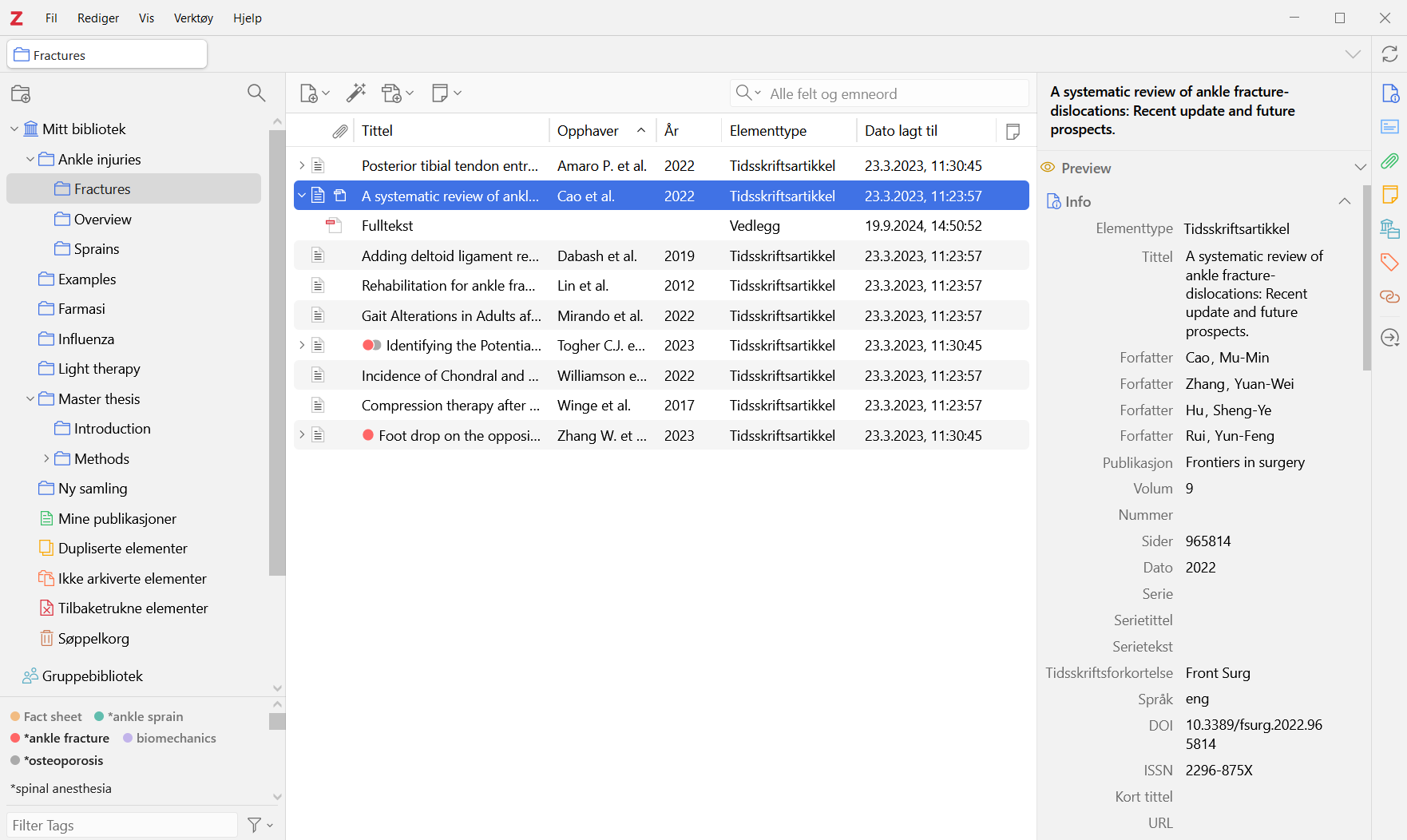
Citation tools (or reference managers) are apps or software that help you collect, organize, and format citations for academic essays or scientific research. Examples include:
What can they do?
Why are they useful?
In this next part, you will familiarize yourself with Zotero through hands-on exercices and activities:
Click here: Zotero: Hands-on practical activities
Or follow: https://lmu-osc.github.io/introduction-to-zotero/background/zotero_basics.html
Tip
Since this is a self-paced tutorial, take your time on navigating it; and it can be finished at home as well. We will have a check-in moment at the end of this session and discuss any remaining questions.
For later: Finish the remaining of the ‘Introduction to Zotero’ tutorial and its exercises at home.
For now: Take one minute to assess your learning progress from the tutorial:
What is one key concept about citations or Zotero that became clearer after completing the exercises?
Which Zotero task can you now perform confidently, and which one still feels challenging?
How easy has it been navigating different CSL formats?
Can you identify some practical benefits of using Zotero?
What obstacles do you anticipate in using it consistently?
How can Zotero support you in your upcoming projects?
Citations and references are critical for tracing sources and giving credit to authors
Citation tools facilitate your workflow by collecting, organizing, and formatting citations, as well as providing storage for pdfs or notes
Make Zotero a habit!
Zotero can be your go-to tool for saving and citing studies, from assignments to thesis.
Where are we at?
What is your level of familiarity with citing and referencing scientific papers?
I have never heard of it before.
I have heard of it but have never worked with it.
I have basic understanding and experience with it.
I am very familiar and have worked with it extensively.
How confident do you feel with the Zotero workflow of collection, organisation, and citing? (1 = Not confident at all, 5 = Very confident)
1
2
3
4
5
What do we see in the results?
See you next session :)
Possible roles using the CRediT contribition system or the Zenodo Contribution System:
Name main content creator: Conceptualization, Software, Writing - Original Draft, Visualization. Sara Lil Middleton: Writing - Review & Editing, Supervision. Sarah von Grebmer zu Wolfsthurn: Conceptualisation, Writing - Review & Editing, Supervision, Project Administration, Validation.

LMU Open Science Center