Template Quarto slides

Add your name

16/10/2026

Prerequisites

Important

Before completing this session, please carefully read about the prerequisites.

Prerequisite Description Link/Where to find it
Topic Name Basic intro to X OSC Website Link
Software Name Configuring the environment Download Link

Questions from the previous session

Are there any open questions regarding Topic?

Before we start: Survey time!

What is your level of familiarity with [Topic] (e.g., basic concepts, terminology, or tools)?

  1. I have never heard of it before.

  2. I have heard of it but have never worked with it.

  3. I have basic understanding and experience with it.

  4. I am very familiar and have worked with it extensively.

Which of the following concepts or skills do you feel most confident about in relation to [Topic]? (Select all that apply)

  1. Concept 1

  2. Concept 2

  3. Concept 3

  4. Concept 4

  5. I am not sure about any of these concepts.

On a scale of 1 to 5, how comfortable are you with using [specific tool/technology] related to [Topic]? (1 = Not comfortable at all, 5 = Very comfortable)

  1. 1

  2. 2

  3. 3

  4. 4

  5. 5

Discussion of survey results

What do we see in the results?

Where are we at?

Previously:

  • Point 1
  • Point 2

Up next:

  • Point 1
  • Point 2

Covered in this session

  • Topic 1
  • Topic 2
  • Topic 3

Learning objectives

At the end of this session, you will be able to…

  • Install and load ….
  • Import external data …
  • Explain key components of …

Key terms and definitions

  • Key Term 1
  • Key Term 2
  • Key Term 3

Key terms and definitions

  • Key Term 1: Definition
  • Key Term 2: Definition
  • Key Term 3: Definition

Introduction to topic

Topic content slide

Important with Title

This is an example of a callout box to highlight particularly important information.

Tip with Title

This is an example of a callout box to give important tips.

Practical exercise

Task Name

Recap

Pre-break quiz

Which species is the largest type of penguin?

  1. Chinstrap Penguin

  2. Emperor Penguin ✅

  3. Adélie Penguin

  4. King Penguin

What is the key biological feature that helps penguins swim efficiently?

  1. Hollow bones for buoyancy

  2. Webbed feet for paddling

  3. Waterproof feathers and flipper-like wings ✅

  4. Gills to breathe underwater

Post-break survey discussion


What do we see in the results?

Topic content slide

Practical exercise

Task Aim

Relevance and implications (if applicable)

  • Aim: To work out the relevance of the topic to your learners.
  • In an interactive setting, discuss how the new skills could be applied in practise with specific examples.
  • Examine downfalls and practical obstacles.

Assignment

  • Aim: Explain the homework assignment and the rationale behind the homework.
  • Examine whether/how it will be assessed
  • Mention scoring rubrics, if applicable
  • Design a peer-review system for assignments to place learners in role of reviewer and author

Take-home message(s)

  • Take-home message 1
  • Take-home message 2


Tip with Title

Add one practical tip in this box.

Recap: What have we done so far?

Learning objectives: Check-In

Where are we at?

To conclude: Survey time!

What is your level of familiarity with [Topic] (e.g., basic concepts, terminology, or tools)?

  1. I have never heard of it before.

  2. I have heard of it but have never worked with it.

  3. I have basic understanding and experience with it.

  4. I am very familiar and have worked with it extensively.

Which of the following concepts or skills do you feel most confident about in relation to [Topic]? (Select all that apply)

  1. Concept 1

  2. Concept 2

  3. Concept 3

  4. Concept 4

  5. I am not sure about any of these concepts.

On a scale of 1 to 5, how comfortable are you with using [specific tool/technology] related to [Topic]? (1 = Not comfortable at all, 5 = Very comfortable)

  1. 1

  2. 2

  3. 3

  4. 4

  5. 5

Discussion of survey results


What do we see in the results?

References

Abele-Brehm, A. E., & Bühner, M. (2016). Wer soll die Professur bekommen? Psychologische Rundschau, 67(4), 250–261. https://doi.org/10.1026/0033-3042/a000335

Additional resources

  • Videos
  • Useful resources

Contribution statement

Creator: Von Grebmer Zu Wolfsthurn, Sarah (orcid logo 0000-0002-6413-3895)

Reviewer: Ihle, Malika (orcid logo 0000-0002-3242-5981)

Consultant: Schönbrodt, Felix (orcid logo0000-0002-8282-3910)

Licence and citation statement


Creative Commons Attribution 4.0

This work was originally created by FirstName Name under a CC-BY-SA 4.0 Creative Commons Attribution 4.0 SA International License. It was subsequently adapted by FirstName Name. This current work by FirstName Name and FirstName Name is licensed under a CC-BY-SA 4.0 Creative Commons Attribution 4.0 International SA License. Code snippets are dedicated to the public domain and are licensed under a Creative Commons Universal License (CC0 1.0).

Please cite these materials as: Name, S., Name, M., & Name, F. (2026). Slidedeck Title [Quarto slides]. LMU Open Science Center. https://lmu-osc.github.io/teaching-material-for-novices/open-research-tools/topic

End of slide deck

Formatting elements for instructors - delete

  • Aim: This section contains templates for different formatting elements, which can be modified and adapted for the instructor’s individual purposes. Delete when the slides are final.

Basic text formatting

  • Bold: **bold** → bold
  • Italic: *italic* → italic
  • Strikethrough: ~~text~~ → text
  • Inline code: `code` → code
  • Blockquote: > Quote →
    “This is a quote”

Text with references

  • Sample text for adding a reference in brackets (Abele-Brehm & Bühner, 2016). Use square brackets in the qmd file.

  • Sample text for adding in text-citation: Abele-Brehm & Bühner (2016) argue that climate change is accelerating. No brackets used in the qmd file.

Call-out boxes

Caution

Include text here.

Warning

Include text here.

Tip

Include text here.

Note

Include text here.

Figure (centered) with caption and alt text
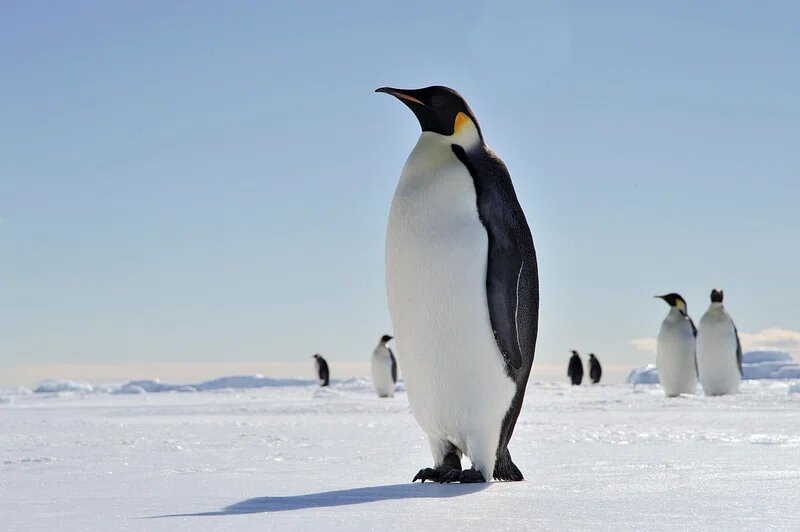
A penguin standing on ice

A penguin standing on ice.

Figure with bullet points

A penguin standing on ice

  • First bullet point
  • Second bullet point
  • Third bullet point

Side-by-side figures

A penguin standing on ice

Figure 1: Penguin

A seal lying on ice and rocks on its side

Figure 2: Seal

Stacked figures with text

A penguin standing on ice

A seal lying on ice and rocks on its side

  • First bullet point
  • Second bullet point
  • Third bullet point

Two-column text slide

Column 1

Lorem ipsum dolor sit amet, consectetur adipiscing elit.
Vivamus lacinia odio vitae vestibulum vestibulum.
Cras venenatis euismod malesuada.

Column 2

Sed do eiusmod tempor incididunt ut labore et dolore magna aliqua.
Ut enim ad minim veniam, quis nostrud exercitation ullamco laboris.

Three-column text slide

Column 1

Lorem ipsum dolor sit amet, consectetur adipiscing elit.
Vivamus lacinia odio vitae vestibulum vestibulum.

Column 2

Sed do eiusmod tempor incididunt ut labore et dolore magna aliqua.
Ut enim ad minim veniam, quis nostrud exercitation ullamco laboris.

Column 3

Duis aute irure dolor in reprehenderit in voluptate velit esse cillum dolore eu fugiat nulla pariatur.

Simple table

Column 1 Column 2 Column 3
Row 1 Cell Row 1 Cell Row 1 Cell
Row 2 Cell Row 2 Cell Row 2 Cell
Row 3 Cell Row 3 Cell Row 3 Cell
Row 4 Cell Row 4 Cell Row 4 Cell

Complex Table

Category Metric Q1 Q2 Q3 Q4
Sales Revenue 12,000 14,500 15,200 16,800
Units Sold 1,200 1,450 1,520 1,680
Costs COGS 5,000 5,200 5,400 5,600
Operating Exp. 2,300 2,400 2,450 2,500
Profit Gross Profit 7,000 9,300 9,800 11,200
Net Profit 4,700 6,500 7,000 8,100

Note: Values are in USD thousands.

Task list

  • ✅ Done (for PowerPoint conversion)-
  • ⬜ To do pptx friendly

Linking to video with thumbnail

Click on the image to watch the video!

Code blocks

# A basic R code chunk
x <- 1:10
mean(x)
[1] 5.5
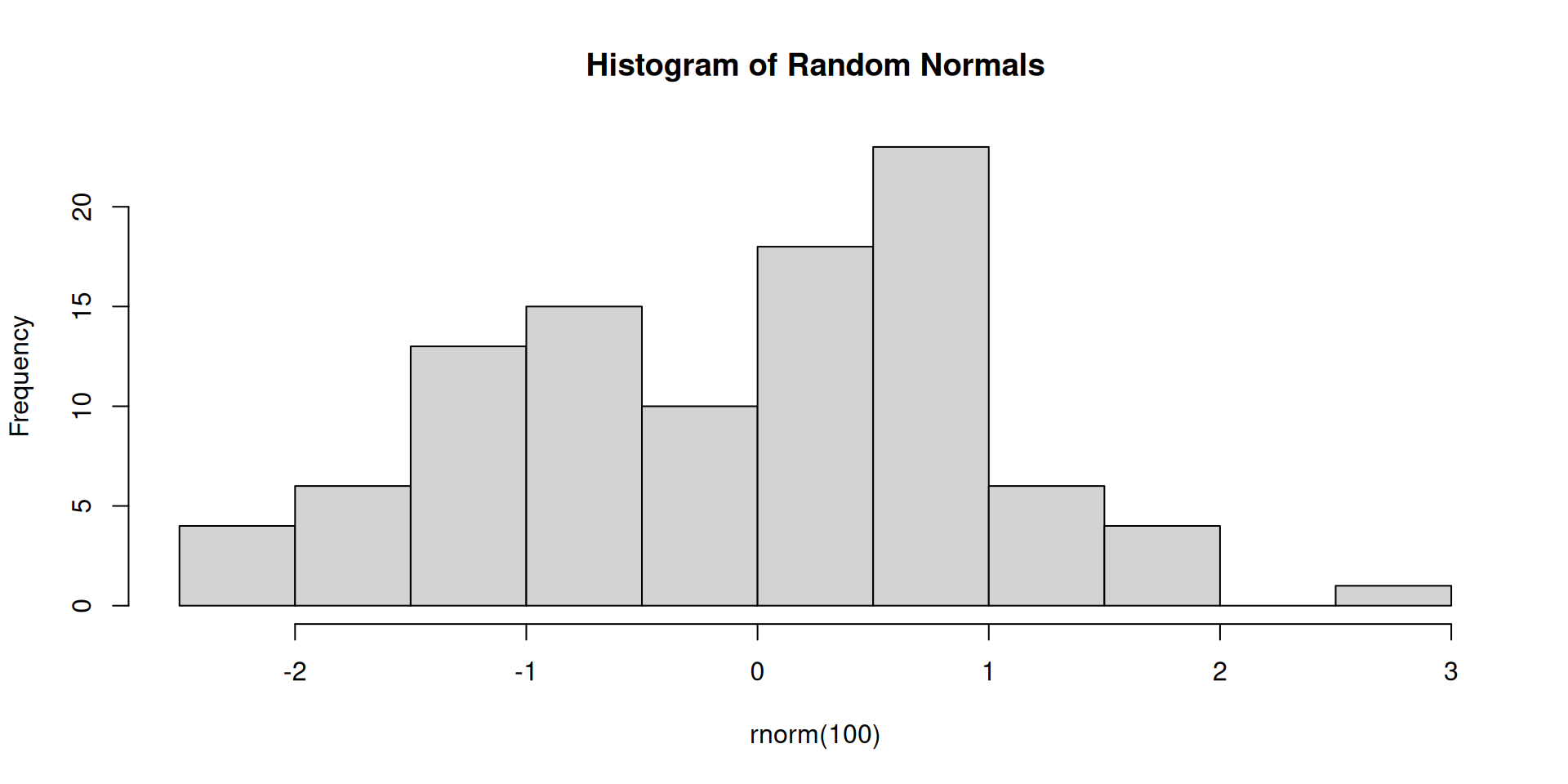
# A simple plot
hist(rnorm(100), main = "Histogram of Random Normals")

Features supported in html but not in pptx

Here is an overview of which features cannot be transferred to a pptx file from Quarto revealjs file (not exhaustive list):

  • Custom HTML/CSS layout
    • Absolute positioning (position: absolute)
    • Flexbox / Grid layout
    • Custom margins, padding, alignment

Features supported in html but not in pptx

(continued)

  • Fragments / incremental reveal
    • Click-to-reveal bullets or elements (.fragment)
    • Animations & transitions
    • CSS animations ((keyframes?))
    • Reveal.js slide transitions (fade, zoom, etc.)

Features supported in html but not in pptx

(continued)

  • Interactive JavaScript components
    • Plotly, Shiny apps, interactive charts
    • Custom JS widgets
    • Embedded iframes and external content
    • YouTube embeds
    • Google Maps
    • Embedded websites

Features supported in html but not in pptx

(continued)

  • Dynamic sizing / responsive behavior

    • Percent-based sizing (width: 50%)
  • Text shadows, letter spacing

  • Custom tables with HTML styling

  • Colored headers or rows

  • Cell borders and padding via CSS

  • Overlapping or rotated elements

Features supported in html but not in pptx

(continued)

  • Rotated images or text

  • Speech bubbles and callout shapes

  • Bubble-style layouts

  • Decorative shapes using CSS

  • Embedded fonts and icon libraries

  • Interactive quizzes or logic